Audio guide planning
Accessible audio guides for museums
How museums make audio guides accessible with tactile controls, braille input, audio description, hearing-loop support, sign-language tablets and simplified tour variants.
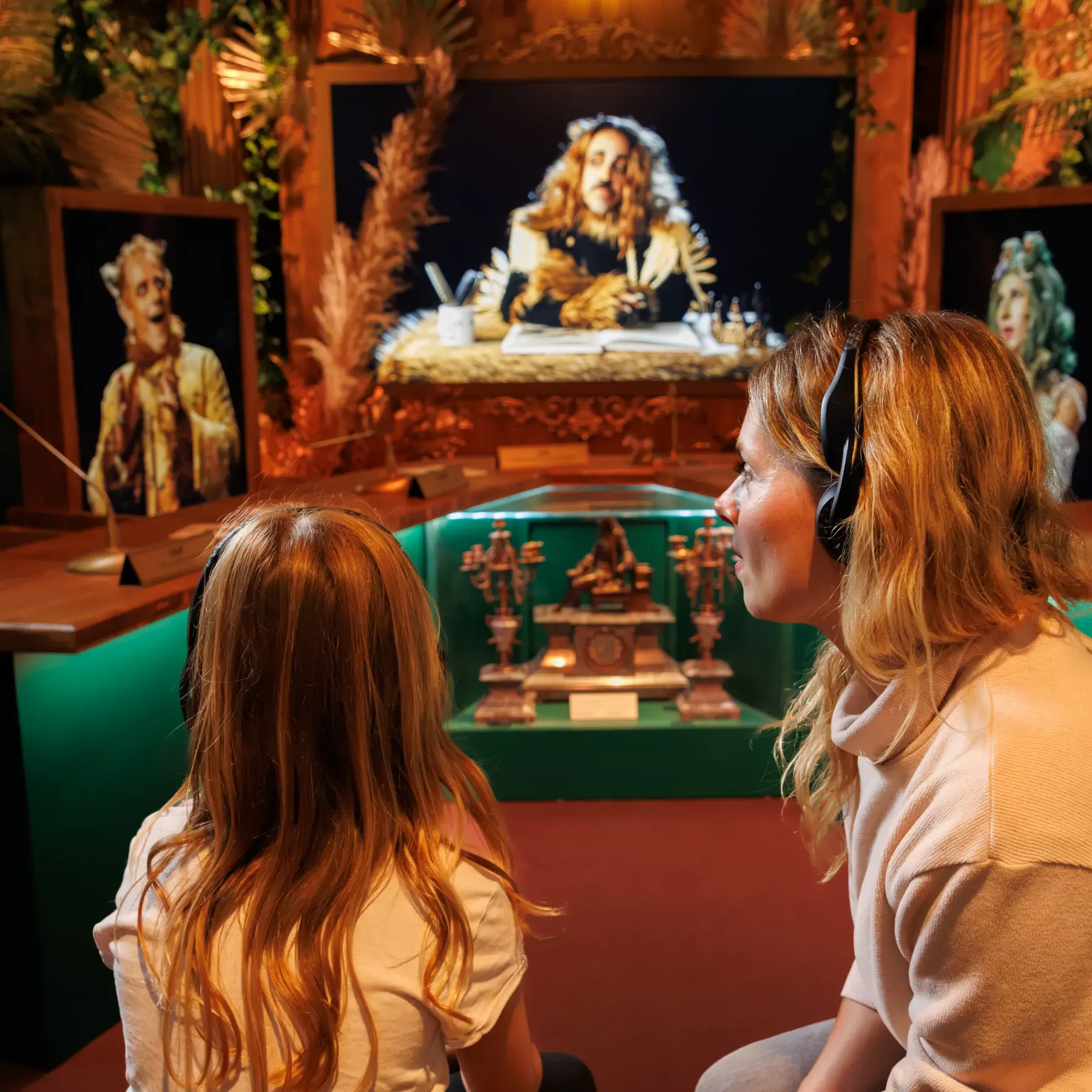
An accessible museum audio guide works for visitors who are blind, low-vision, deaf, hard of hearing, hearing-aid users, or need simpler language. In practice, museums should plan six formats together: tactile controls, braille input, audio description, hearing-loop-compatible output, paired tablets for sign-language or large-text support, and simplified tour variants. The important point is operational. Accessibility should be part of the same device fleet, CMS workflow, staff handout process and content approval cycle as the standard tour, whether the project is a permanent gallery or a temporary exhibition.
What accessibility means for a museum audio guide
An audio guide is accessible when visitors can start, navigate and finish a tour without having to ask staff to solve basic barriers. The main groups to plan for are blind and low-vision visitors, deaf and hard-of-hearing visitors, hearing-aid users, and visitors who need simpler language or a slower pace. Each group needs a different support format, but the museum should manage those formats in one content and operations workflow.
| Format | Primary visitor group | What it provides |
|---|---|---|
| Tactile control buttons | Blind and low-vision visitors | Play, pause, volume and stop selection by touch |
| Braille keypad or braille label | Braille-literate blind visitors | Number entry and language selection without sighted help |
| Audio description | Blind and low-vision visitors | A separate tour script that describes visible information |
| Hearing-loop-compatible output | Hearing-aid and cochlear-implant users | Direct or accessory-assisted audio for T-coil users |
| Paired tablet | Deaf visitors and low-vision visitors | Sign-language video, captions, larger text and larger images |
| Simplified tour variant | Visitors needing cognitive or language support | Shorter stops, slower delivery and plainer vocabulary |
The museum should decide which formats it will offer, in which languages, and on which devices before production starts. That prevents accessibility from becoming a late hardware request after scripts, recordings and visitor flows have already been fixed.
Tactile controls and braille for blind visitors
Braille keypads on touchpad devices
A flat touchpad is difficult to use without sight. Where a touchpad-based guide is chosen, the museum should specify a braille keypad or overlay so visitors can enter stop numbers, select a language and confirm choices by touch. The better arrangement is a fitted device option, not a loose accessory that staff have to find during a busy handout period.
Labels and spoken orientation
Device labels should use high contrast, large print and braille where the audience warrants it. Spoken prompts should confirm the chosen language, the current stop number and the next action. This gives blind visitors the same basic feedback that sighted visitors get from a screen or printed stop list.
Audio description and simplified-language tours
Audio description as its own tour variant
Audio description is not a louder version of the standard tour. It is a separate script that describes visible information: composition, colour, scale, the position of figures, materials, condition and changes in space. It should use the same stop numbers as the standard tour, so a blind visitor and a sighted companion can move through the exhibition together.
Simplified-language tours
Cognitive accessibility is often missed in audio-guide planning. Visitors with cognitive disabilities, dementia, low literacy or limited fluency in the tour language may need shorter stops, simpler sentence structure and slower narration. In the Look2Guide workflow, those versions should be treated as separate tour variants with their own review and approval. AI Content Studio can support drafting, narration and iteration, but a museum editor should still check the script before publication.
Hearing-loop output for hearing-aid users
Hearing-aid users should not have to choose between removing their hearing aid and hearing the tour. Selected Look2Innovate audio-guide models, including Style and Mini Trend, support hearing-loop-compatible output, and neck-loop accessories can be offered at the handout desk. The museum should specify this requirement in procurement and confirm which device models, headsets and accessories are included in the delivered fleet.
For visitors who do not use hearing aids, the same fleet should still provide clear volume control, hygienic replaceable headsets and intelligible sound in a busy gallery. For a technical reference on hearing-aid coupling, see ITU-T P.370. For companion screen content, WCAG 2.2 is the relevant reference for captions, audio description and accessible interface behaviour.
Pairing tablets with audio guides for sign-language and large-text support
Why a tablet can sit alongside the audio guide
A tablet and a hardware audio guide solve different access problems. A flat glass screen is usually not the simplest device for a blind visitor. A hardware guide, however, cannot show sign-language video, captions or a large image of a detailed exhibit. Look2Innovate can deploy tablets such as Look 3 alongside dedicated audio guides, with the same stop numbers and CMS programme behind both.
Sign-language video on tablet
Sign-language video should be planned like any other language version. The tablet plays a signed version of each stop, aligned to the same exhibit numbers as the audio tour. Treating the signed version as a language or tour variant keeps the operational workflow familiar for editors, translators and front-of-house staff.
Large text, captions and screen-reader support
When a tablet interface is offered as an accessible format, it should use clear labels, large touch targets, high contrast, generous text sizing, captions for video and support for the operating system's screen reader where possible. For many blind visitors, the tactile audio guide remains the simpler device. The tablet is strongest for deaf visitors, low-vision visitors who use magnification, and companions who need visual context.
Compliance: ADA, the European Accessibility Act and WCAG
ADA Title II in the United States
In the United States, public museums run by state or local government are covered by Title II of the Americans with Disabilities Act. The Department of Justice's 2024 rule sets WCAG 2.1 Level AA as the technical standard for those public entities' web content and mobile apps, with compliance dates extended to 26 April 2027 for larger entities and 26 April 2028 for smaller public entities and special district governments. It does not turn every handheld audio guide into a regulated mobile app. Even so, museum teams should keep evidence that digital tour content, companion apps, visitor instructions and alternative formats support effective communication. See the ADA.gov summary of the 2024 web and mobile rule.
European Accessibility Act 2025
The European Accessibility Act applies to selected products and services placed on the EU market after 28 June 2025, with rules for areas such as e-commerce, e-books, electronic communications and certain self-service terminals. It does not specifically name museum audio guides. Still, European museum procurement increasingly asks suppliers to show accessible controls, accessible content variants and clear visitor information at handout. The European Commission's accessibility requirements for services and products are the practical starting point.
WCAG for companion screen content
WCAG is the right reference for companion websites, tablet interfaces, captions, sign-language video pages, procurement forms and content-management screens. It does not directly specify the physical design of a dedicated hardware audio guide. For the parts of the visitor journey that are web, app or screen based, use WCAG 2.2 as the baseline.
Procurement checklist for accessible audio guides
Use these questions in an RFP or vendor shortlist. Each answer should point to a device capability, a content workflow, a staff procedure or a published standard.
- Can a blind visitor start a tour, select a language and enter a stop number without sighted help?
- Do the main controls remain identifiable by touch when the visitor is wearing gloves or has reduced sensitivity?
- Is braille input available where the device uses a touchpad or number entry?
- Which exact models and accessories support hearing-loop output, and are neck loops included in the delivered fleet?
- Can audio description and simplified-language variants be created, reviewed and updated without breaking the standard tour workflow?
- Can tablets share the same stop numbers and CMS structure for signed, captioned, large-text and standard tours?
- Can the supplier provide evidence for ADA-relevant digital content, EAA-style procurement requirements and WCAG alignment for screen-based content?
FAQ
How do blind visitors use a museum audio guide?
They use tactile controls, spoken prompts and, where number entry is needed, braille input. The tour should also offer an audio-described version that explains visible details such as composition, scale, materials and spatial relationships.
Are museum audio guides ADA compliant?
It depends on the museum and the system. ADA Title II applies to public entities in the United States, and the 2024 DOJ rule concerns their web content and mobile apps. A dedicated handheld audio guide is not automatically a mobile app, but museums should still be able to show effective communication through tactile operation, audio description, hearing support, companion-screen accessibility and clear alternative formats.
What accessibility features should museum audio guides support?
They should support tactile controls, braille input where number entry is needed, audio description, hearing-loop-compatible output, sign-language or captioned tablet content, simplified tour variants, and staff handout procedures that make those options available without friction.
What audio guide options exist for visitors with visual impairments?
The main options are tactile controls, braille labels or keypads, spoken navigation prompts, audio description and, for low-vision visitors who use magnification, paired tablets with large text or enlarged exhibit images.
Do museum audio guides work with hearing aids?
They can. Museums should ask which device models and accessories support hearing-loop-compatible output, and whether neck-loop accessories are included. The delivered fleet should also include clear volume control and hygienic headset options for visitors who do not use hearing aids.
Can audio guides offer simpler, slower tours for visitors who need them?
Yes. A simplified tour should be published as its own tour variant, with shorter stops, plainer vocabulary and slower narration. AI tools can help with drafting, narration and iteration, but the museum should review the script before visitors use it.
What does the European Accessibility Act require for museum audio?
The European Accessibility Act applies to selected products and services placed on the EU market after 28 June 2025. It does not specifically name museum audio guides, but it has changed procurement expectations. Museums increasingly ask for accessible controls, accessible digital content, clear visitor information and evidence that screen-based parts of the journey align with recognised accessibility standards.